
Restyle a deck with styles and effects
Swap the colours and fonts of every card at once, and add paper textures.
Swap the whole look
A style is a colour palette and a set of fonts. Applying one restyles every card of that type at once. Open Text and choose Edit beside the current style.
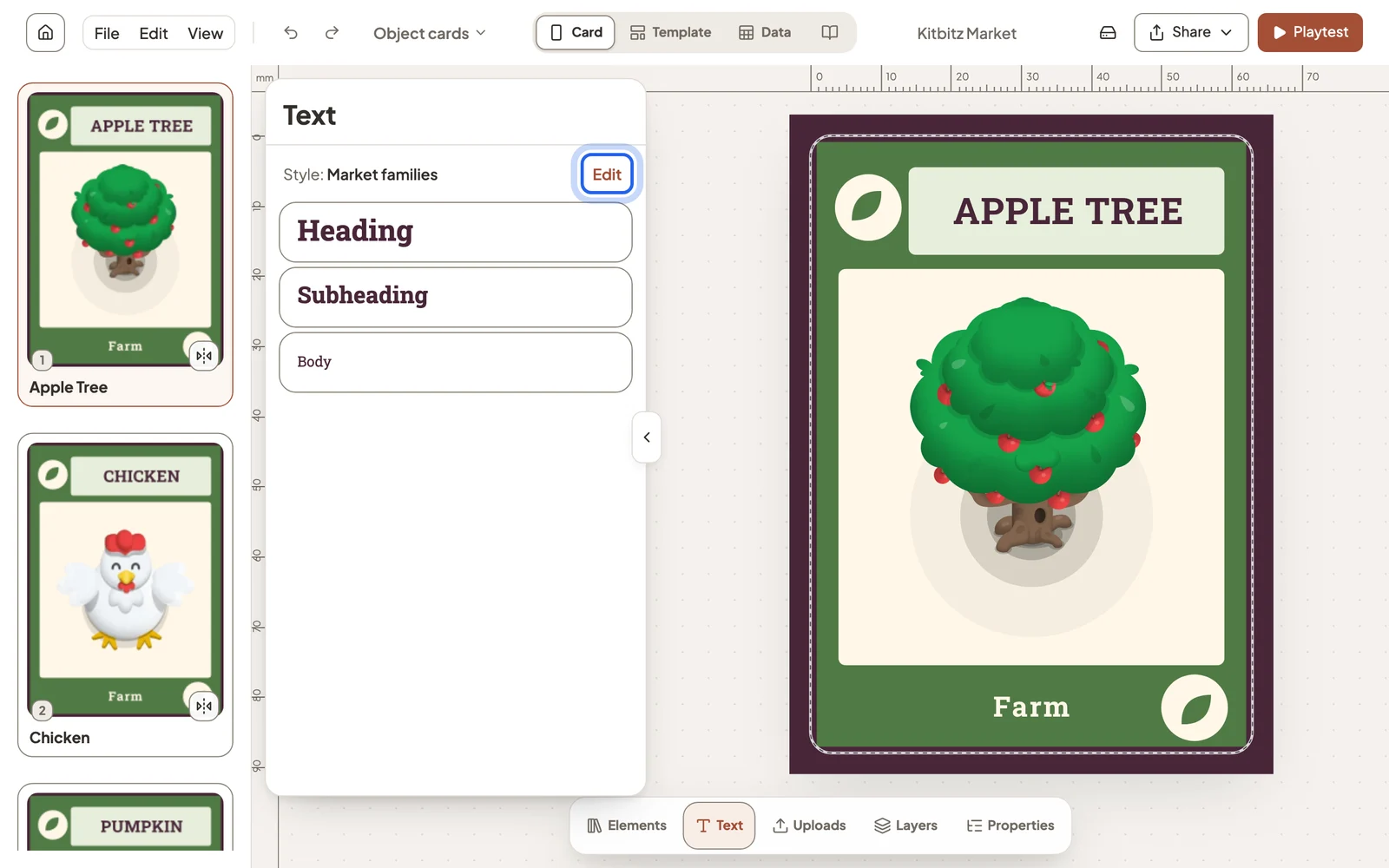
Choose a style
Combinations change colours and fonts together. Below them you can change only the colour palette or only the font set. Choose the same style again to shuffle where its colours go.
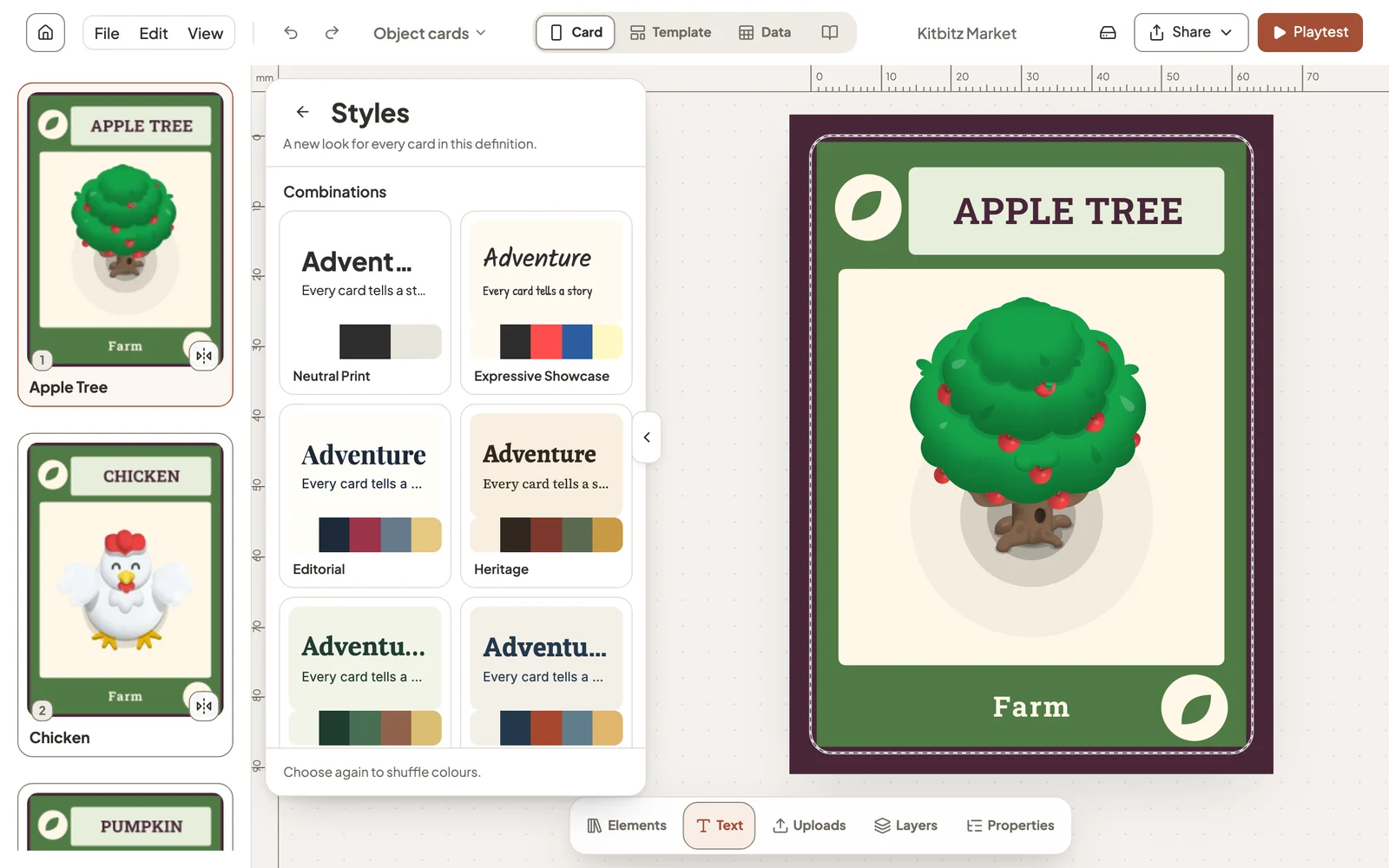
Not happy with the result? Undo puts the old look back.
Add a texture
Effects give a flat colour the feel of paper, or a soft moving pattern. Select the card background, a shape or a picture and choose the Effect button in the toolbar.
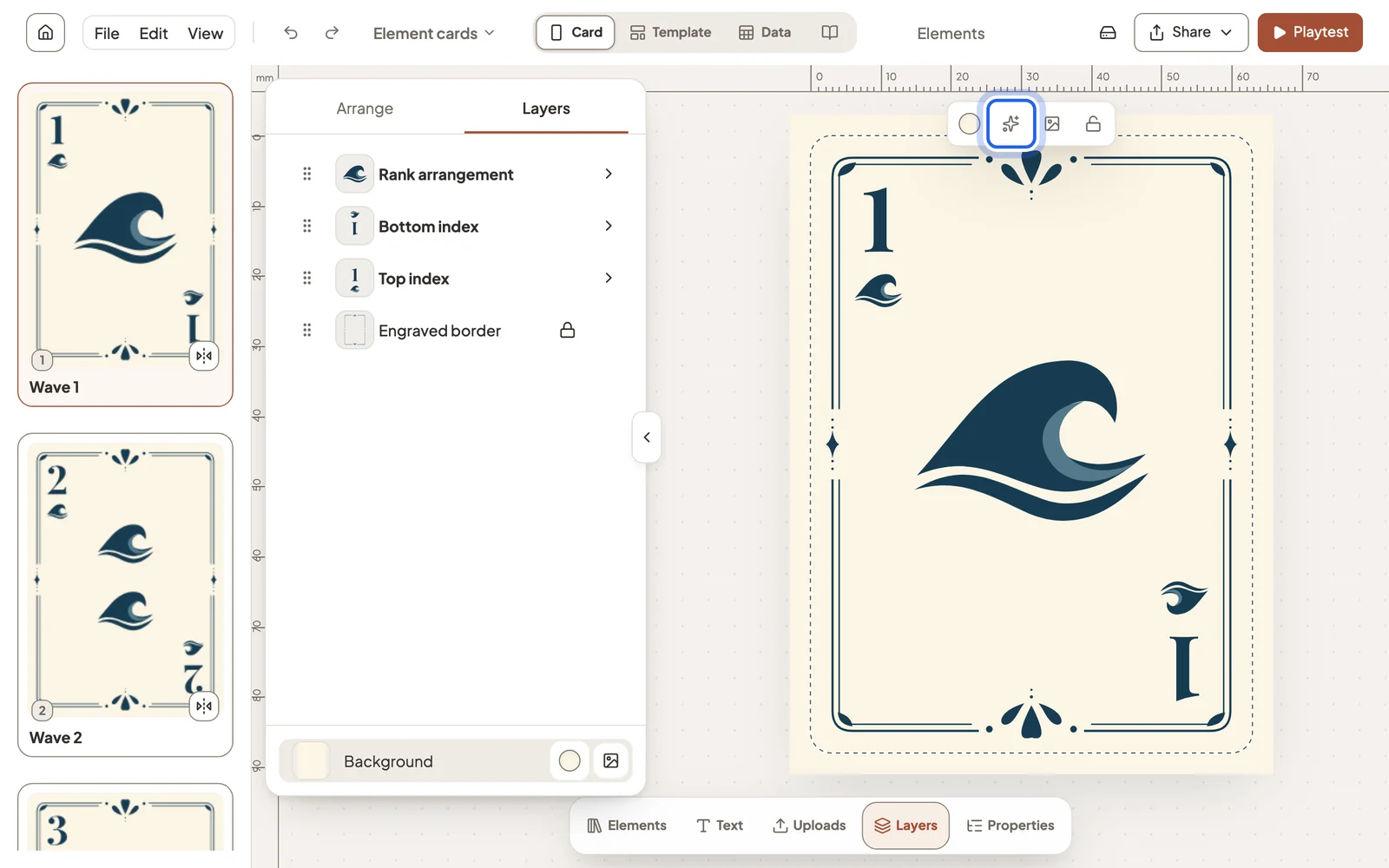
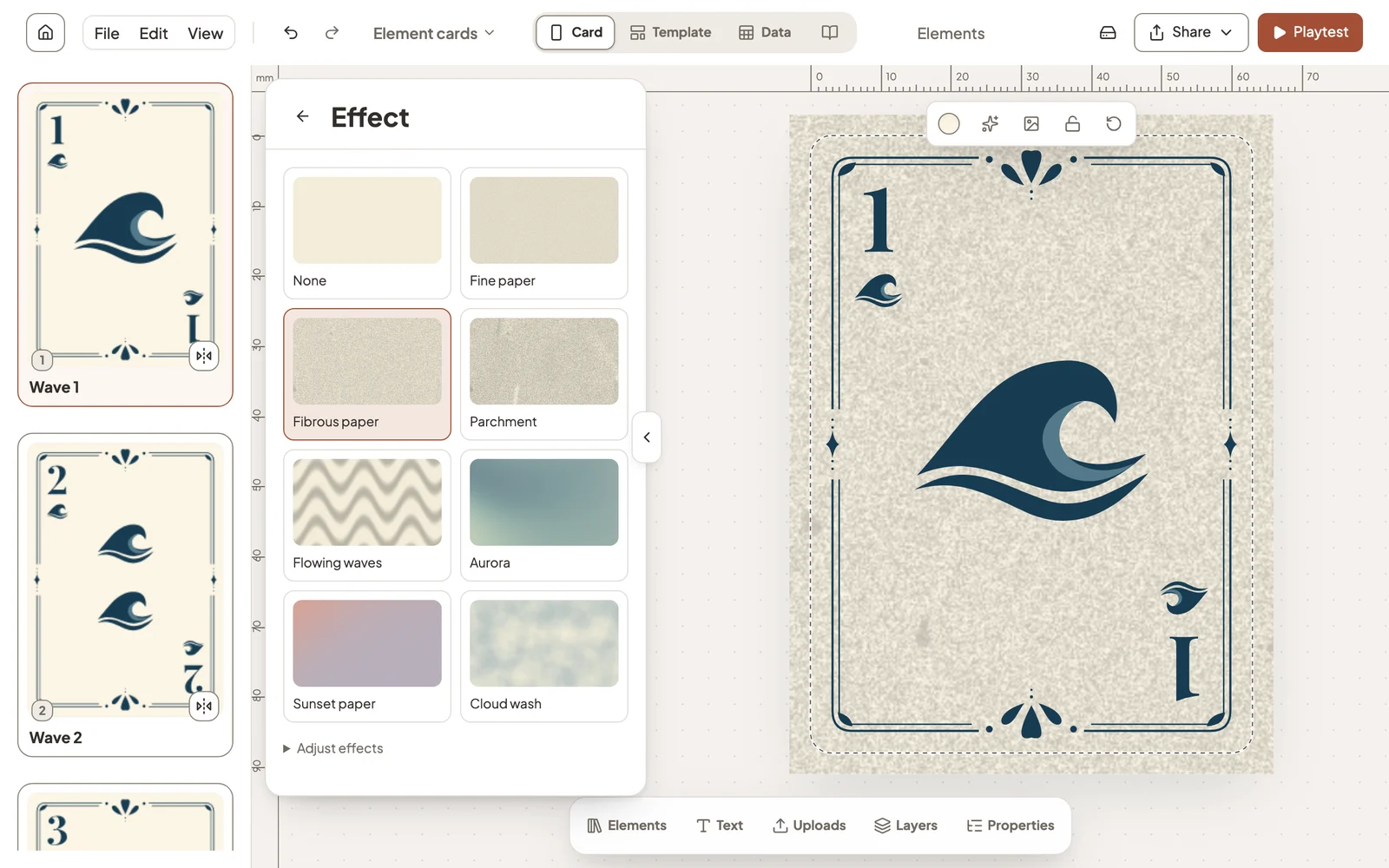
Pick a preset to apply it. Adjust effects changes its colours, strength and size, and None removes it.
Still stuck?
Email [email protected] and tell us what you are trying to do.