
Choose how your game plays
Keep play manual, choose a play style for dealing and turns, or customise the rules with code.
You choose how much is automatic
You can test your game without programming its rules. Keep play manual, or add automation when it helps.
Manual: a plain table
You move the cards, adjust the counters and settle the rules yourselves, exactly as you would with paper cards. Nothing is enforced, so any rule can change mid-game.
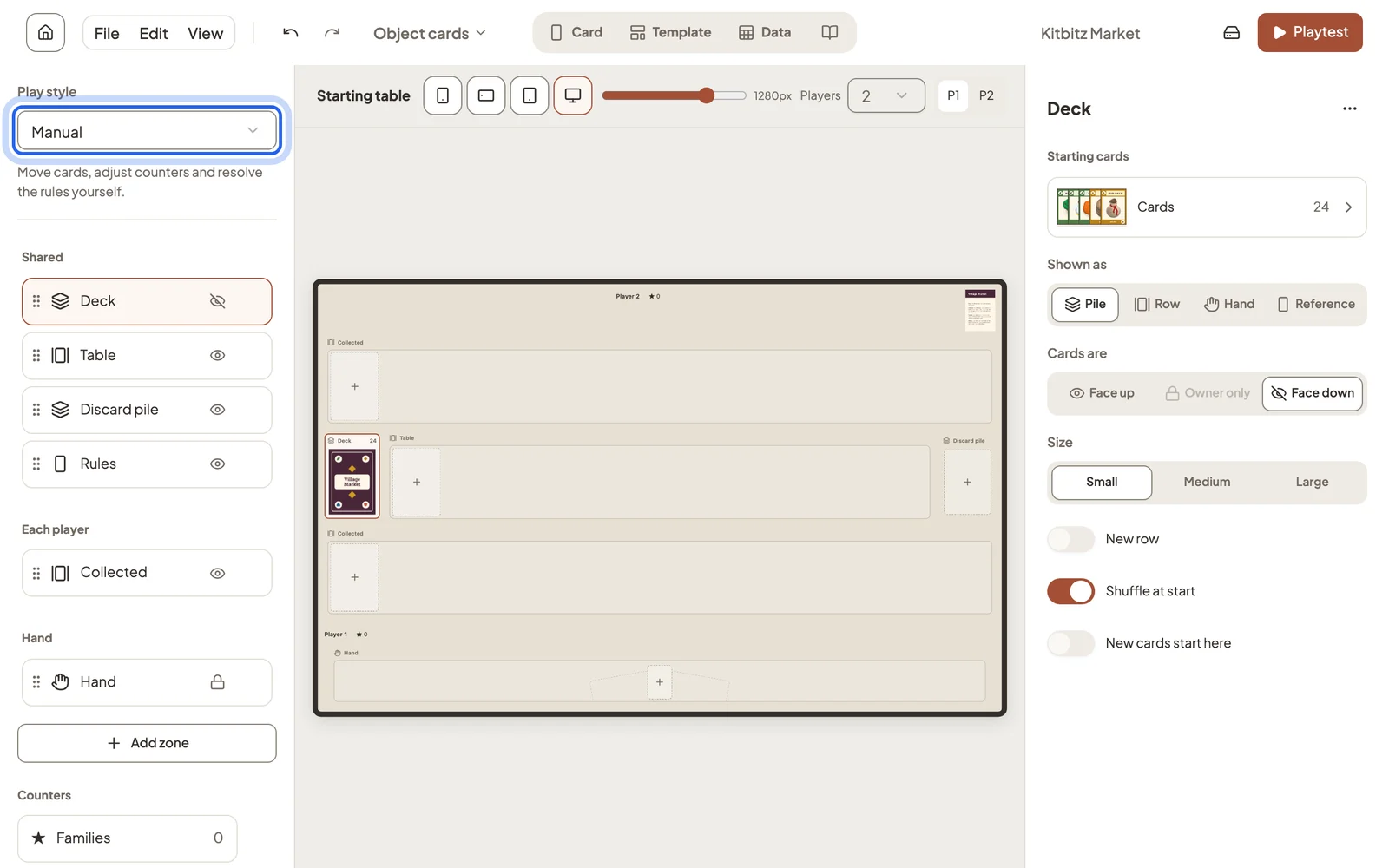
Play styles with automatic bookkeeping
Depending on the play style, Studio can deal cards, track energy or handle end-of-turn cleanup.
- Suited cards deals opening hands and offers Draw, Play, Discard and Flip. You decide the rules and scoring.
- Deck builder deals five cards, pays purchase costs and cleans up each turn.
- Card battler deals faction hands and manages energy, turns and exhaustion.
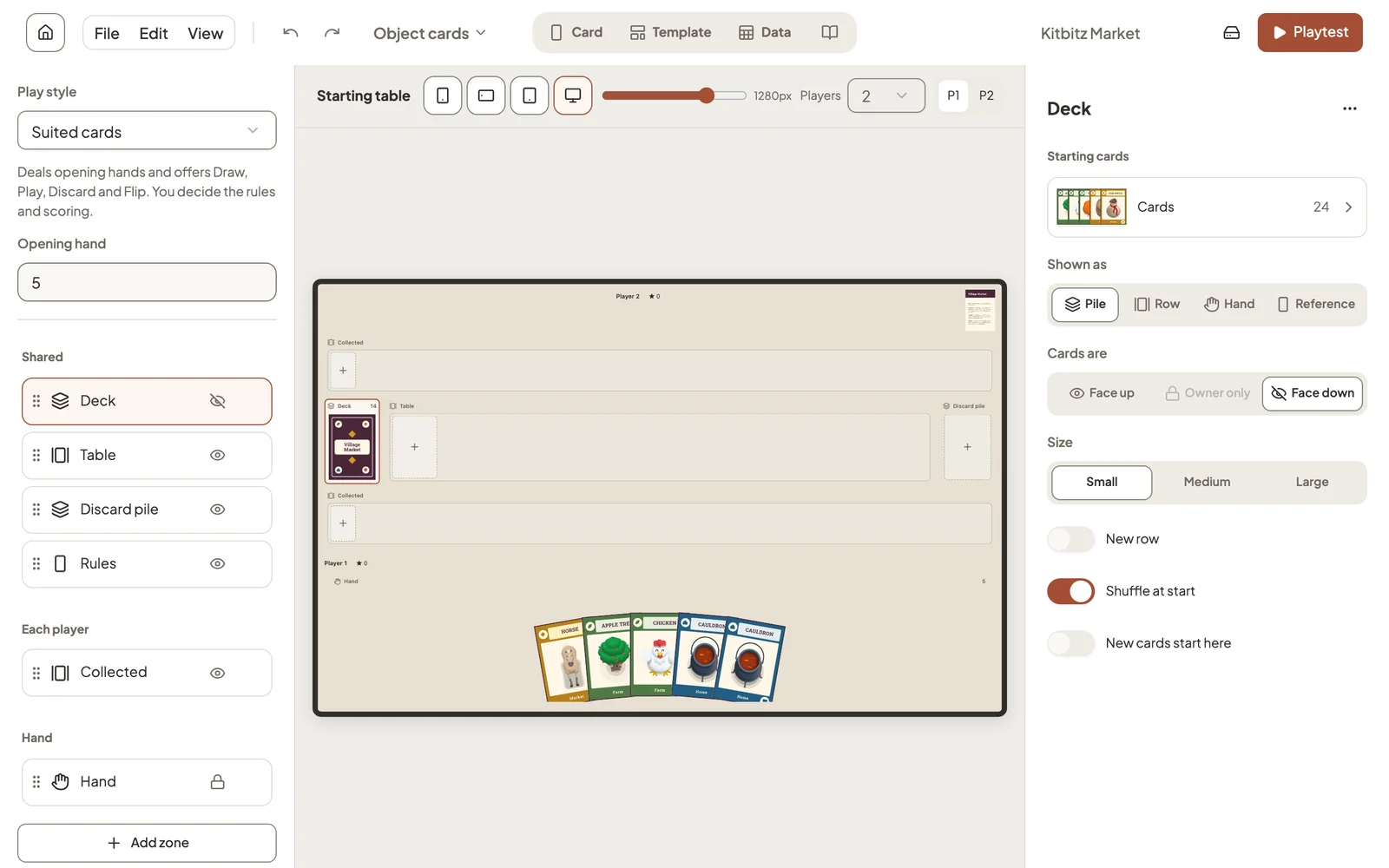
Studio offers the play styles that fit your table. Templates come with theirs already chosen, and you can switch back to Manual at any time.
Customize with code: full rules
If you want custom rules or a different table layout, Playtest → Customize with code turns the project into game code that a coding tool such as Claude Code, Codex or Cursor can change. The code can enforce every rule, score the game and lay the table out however you like.
The game code is written by an AI coding tool that you choose and run yourself. Studio never generates artwork, and nothing here changes your card designs. Everything else in Studio works without AI.
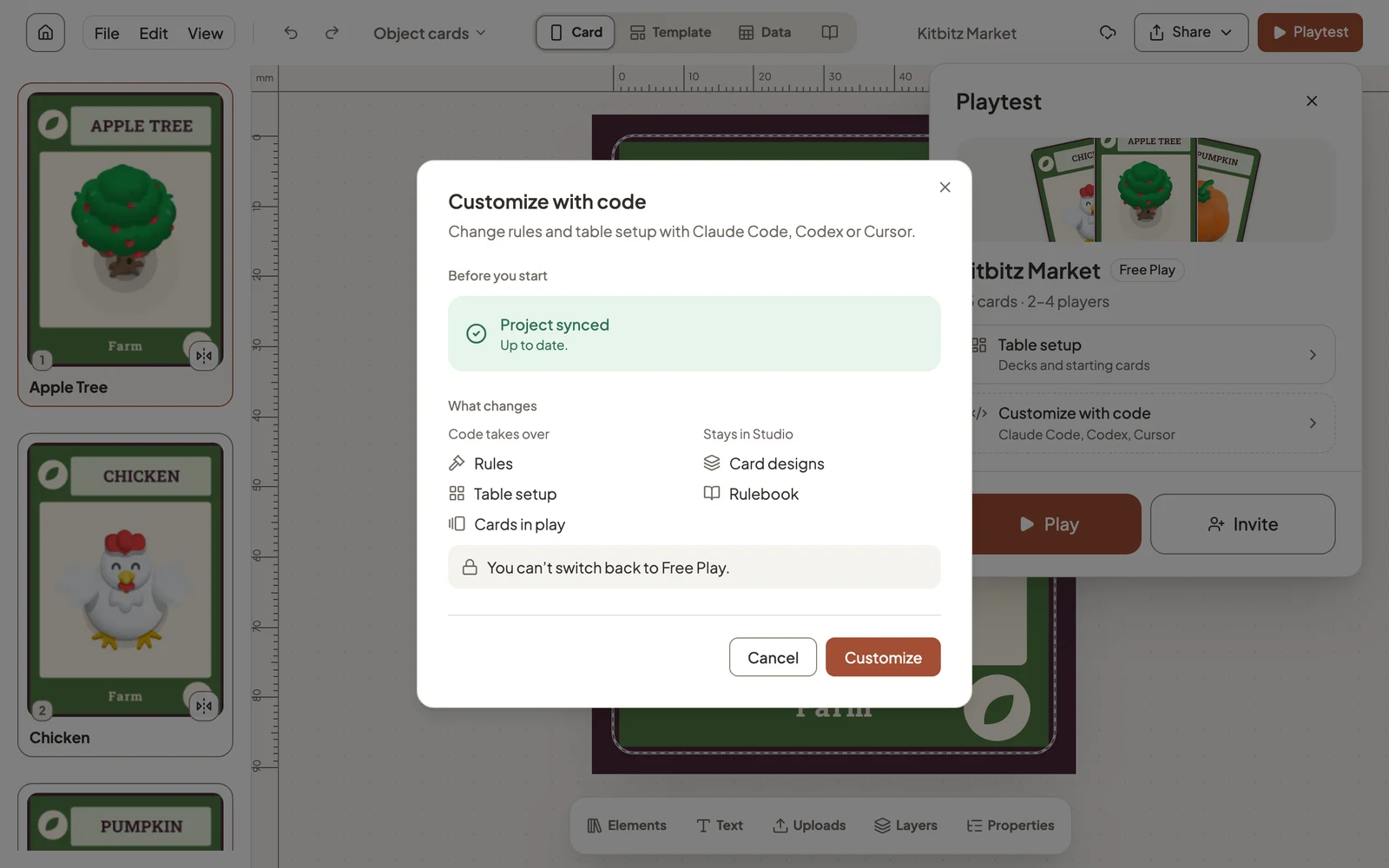
- Code takes over the rules, the table setup and which cards are in play.
- Studio keeps your card designs and rulebook, so you keep editing cards the same way.
- This step is permanent: a customized project can’t switch back to Free Play. Download a project backup first if you want to keep a free-play copy.
After you choose Customize, Studio sets up the code project in the background. You can keep playing while it finishes.
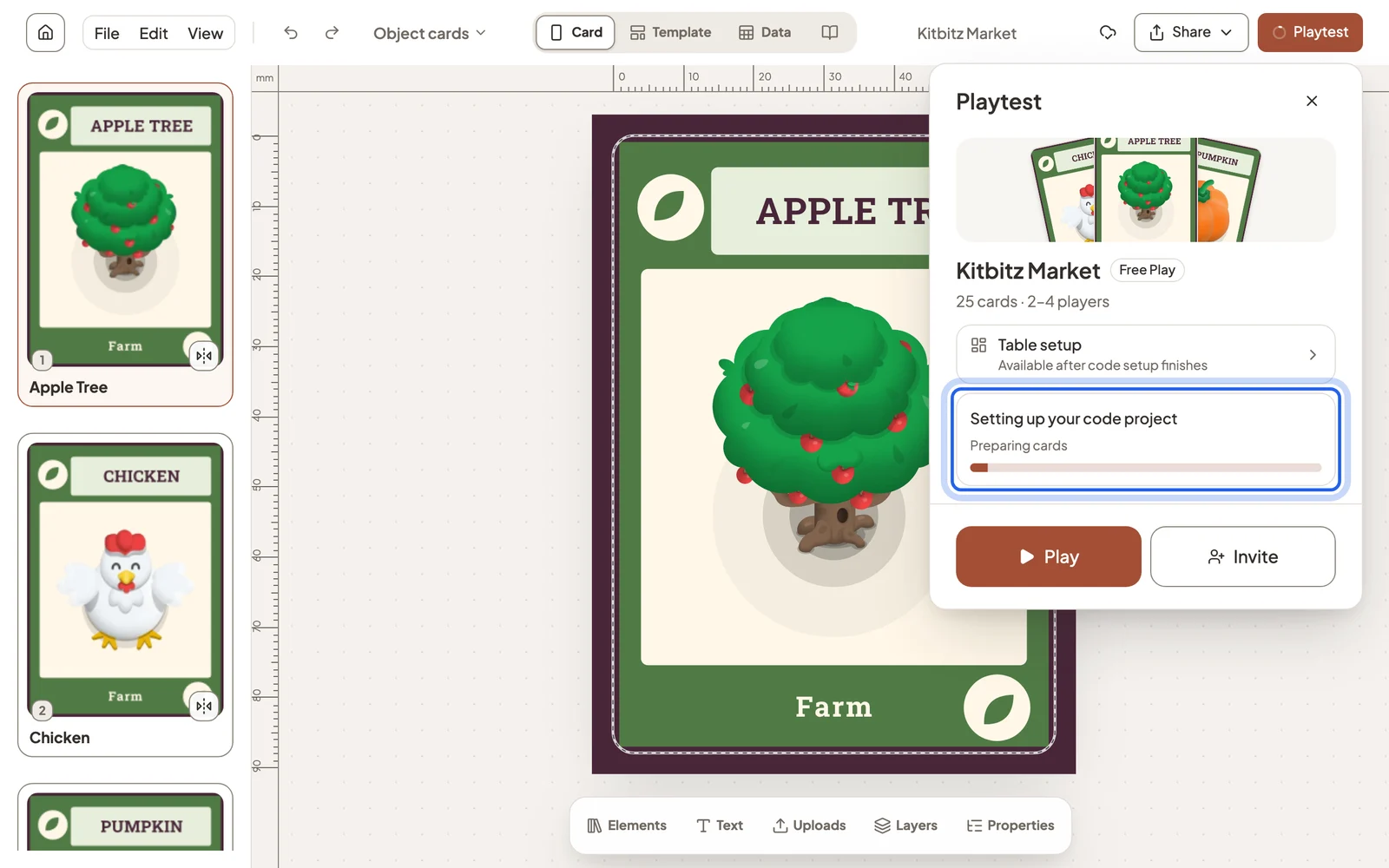
You need a free account and a synced project. See Use Dreamboard with Claude.
Still stuck?
Email [email protected] and tell us what you are trying to do.