
Playtest on your own device
Open a table with your current cards and play every seat yourself. No account needed.
1. Start a game
In the editor, select Playtest at the top right.
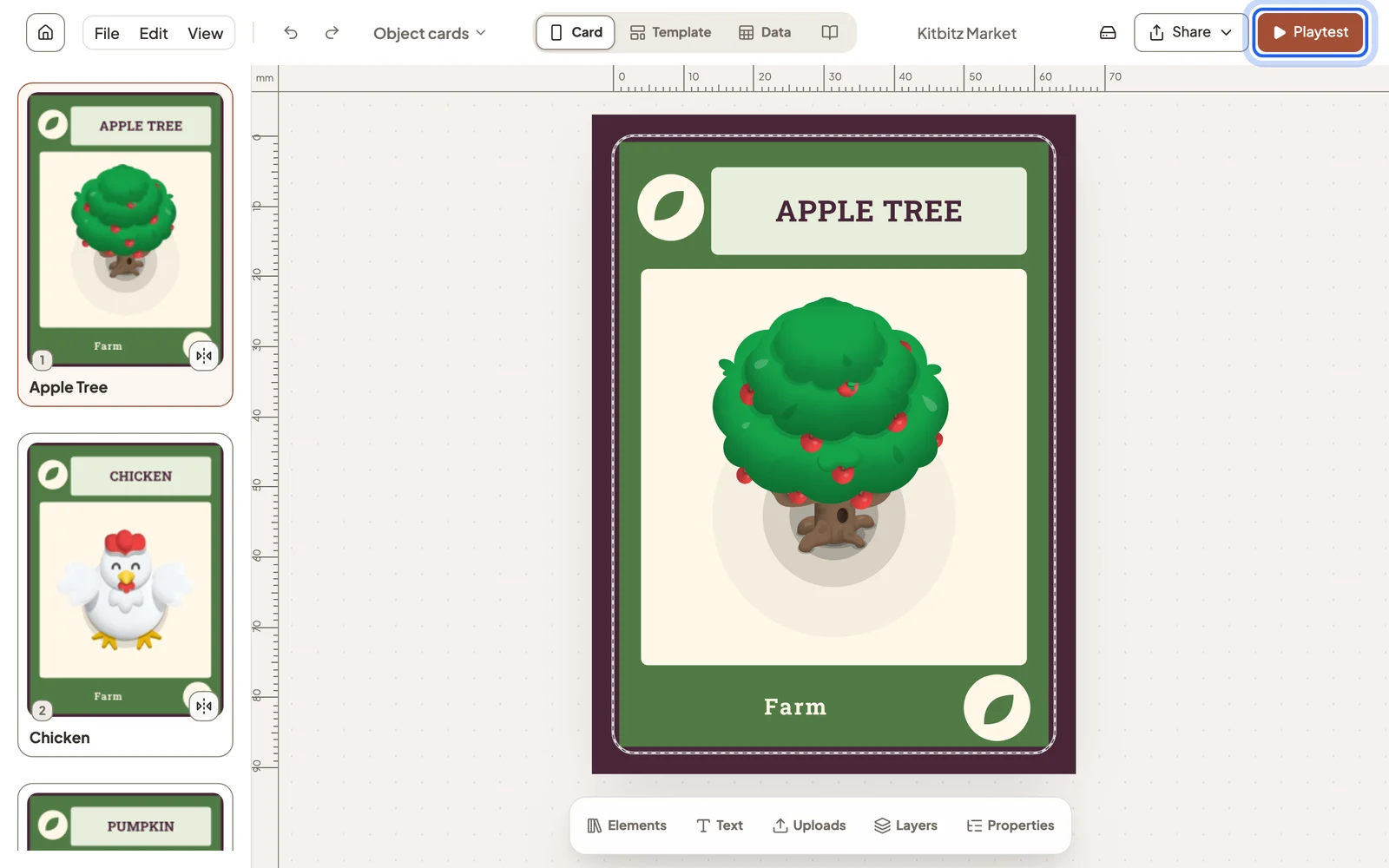
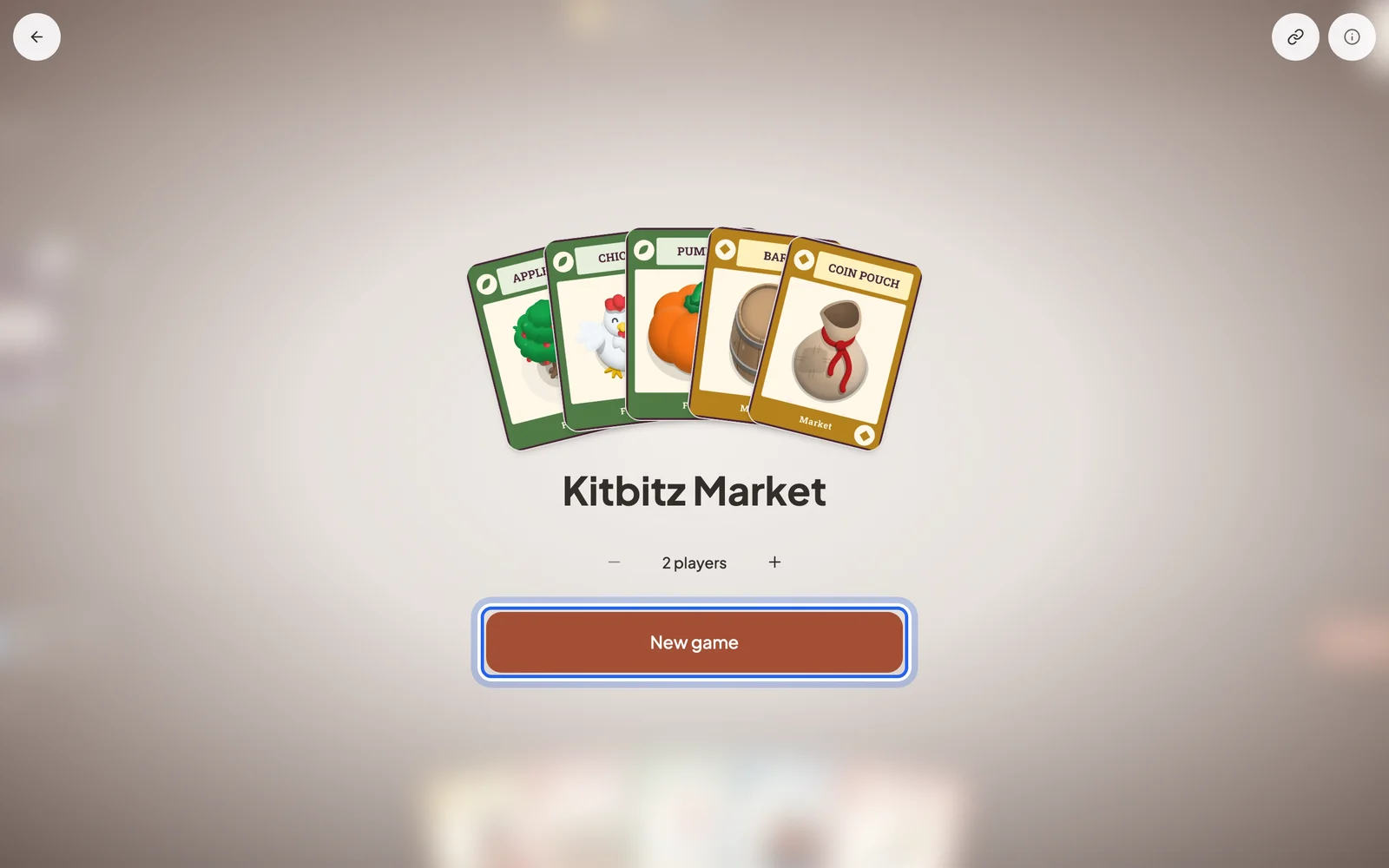
Select Play, choose how many players, then select New game. The game runs in your browser with the cards exactly as they are now, and it works offline.
2. Play every seat
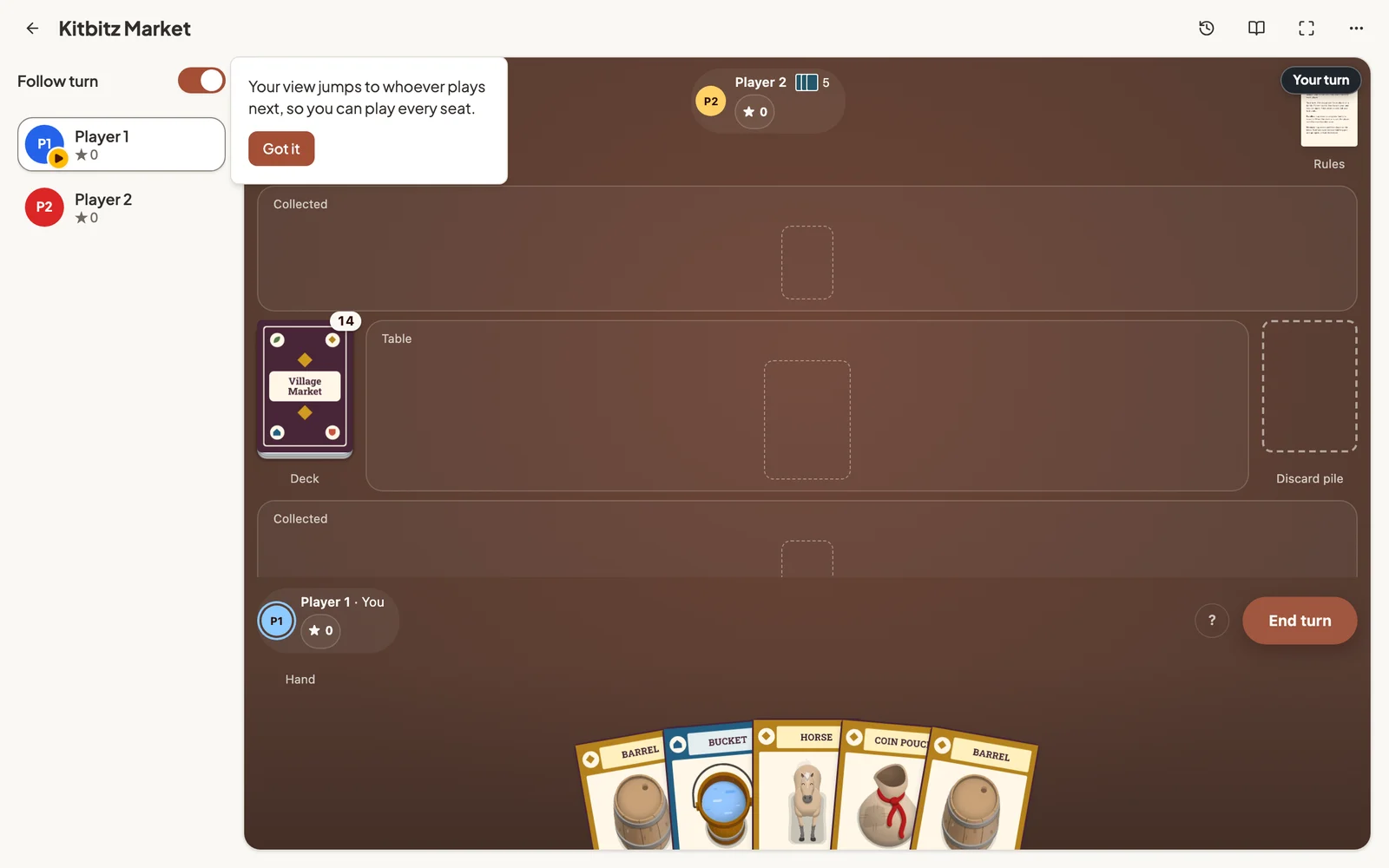
You play all the players yourself. With Follow turn on, your view jumps to whoever plays next. Turn it off, or select a player on the left, to look at the table from any seat.
3. Studio’s controls
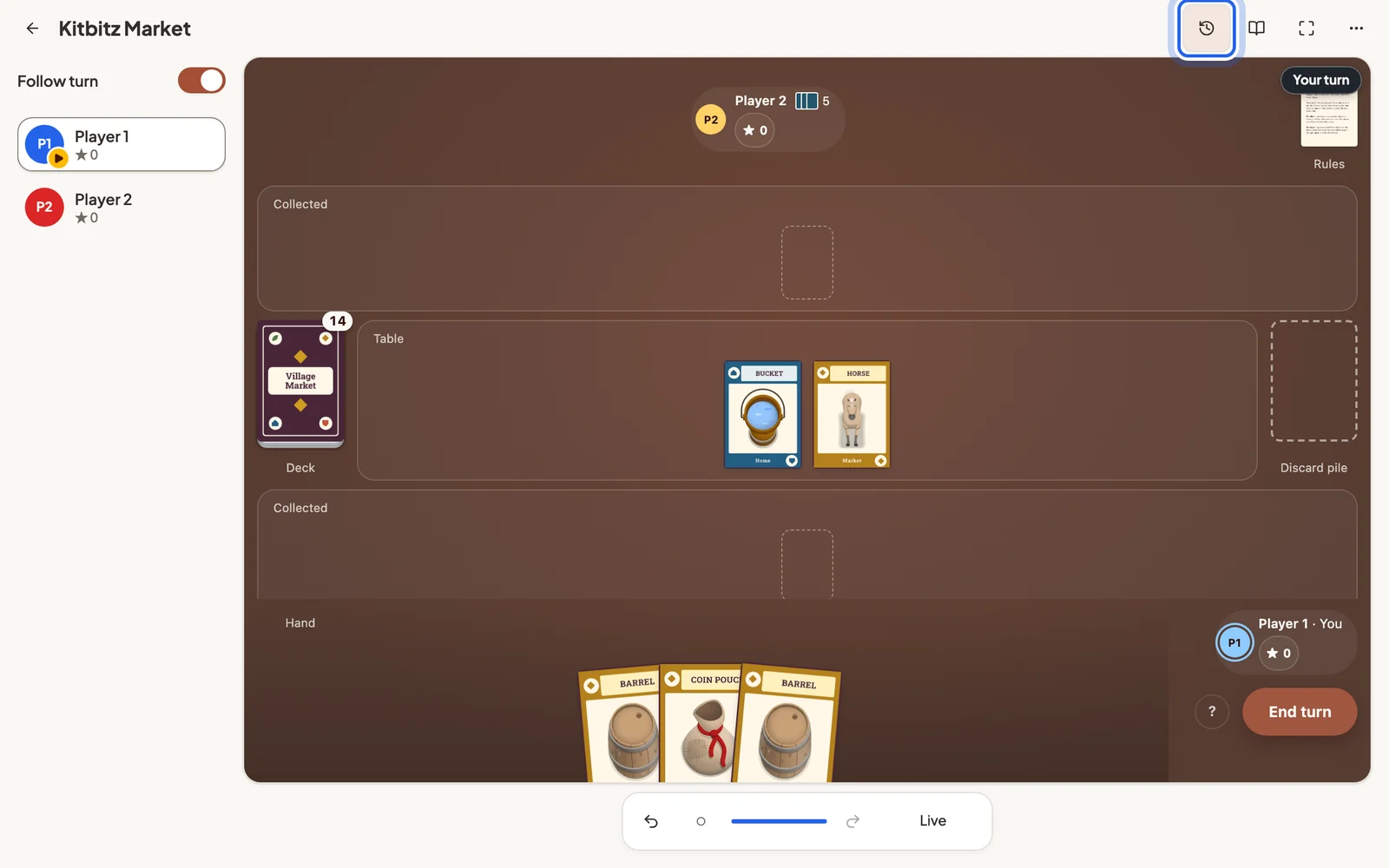
The icons above the table belong to Studio, not to your game:
- Move history steps back and forward through every move, so you can undo a mistake or replay a turn.
- Rulebook opens your rules beside the table.
- Full screen hides everything but the game.
- More restarts this game or starts a new one.
4. Change a card and play again
Select the back arrow to return to your cards. Edit anything, then choose Playtest → Play again to start a new game with the updated cards. Your earlier games stay on this device.
Next: Move cards on the table and Invite playtesters.
Still stuck?
Email [email protected] and tell us what you are trying to do.