
Where your work is saved
Projects stay on your device until you choose to sync them. Keep a backup either way.
On your device first
Studio saves every change as you make it, in this browser on this device. You don’t need an account, and your projects open offline.
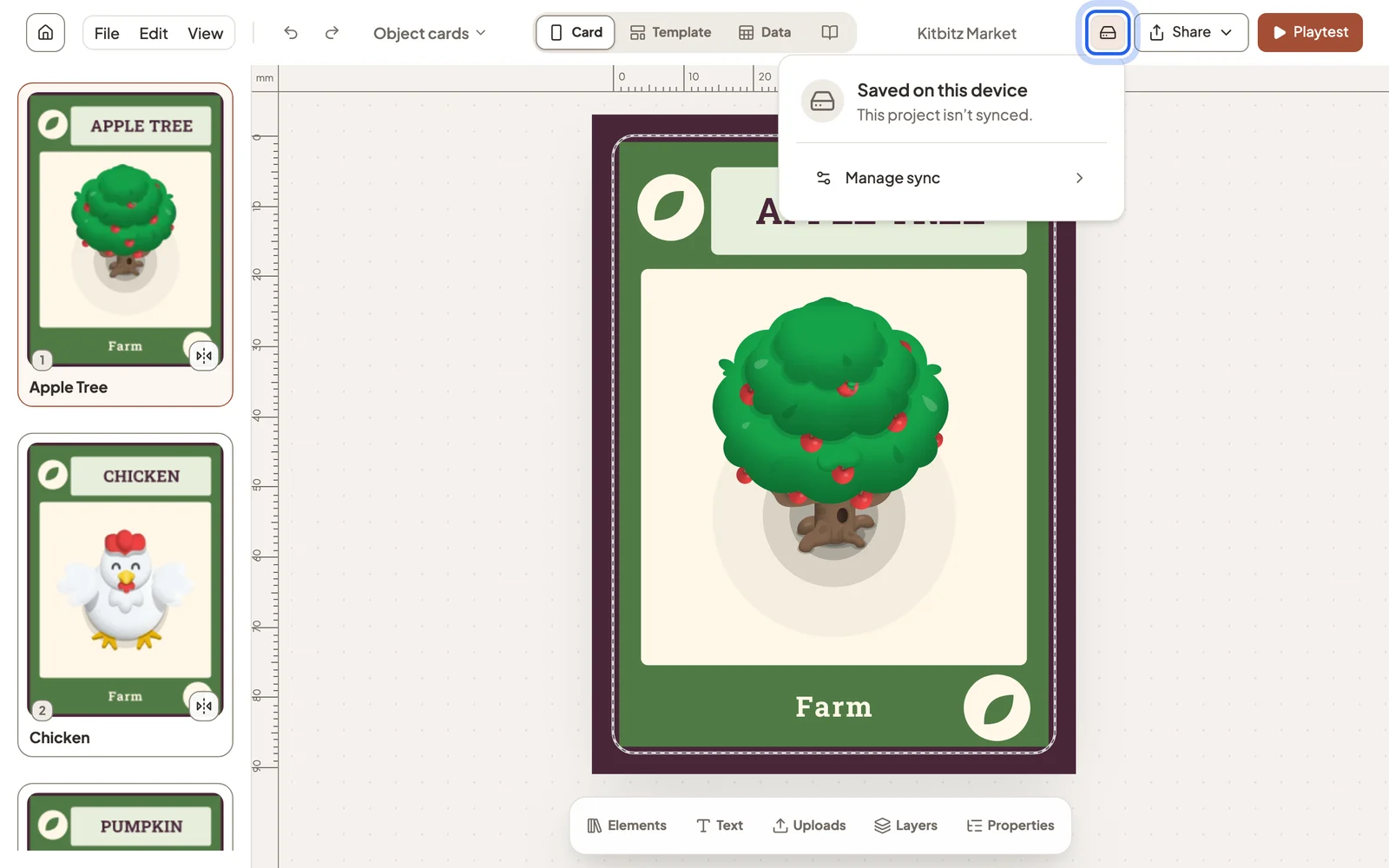
Because the project lives in your browser, clearing the browser’s site data removes it. Keep a backup of anything you care about.
Download a backup
Open File → Download project backup… to save the whole project as one file. Import project… opens it again, on this device or another.
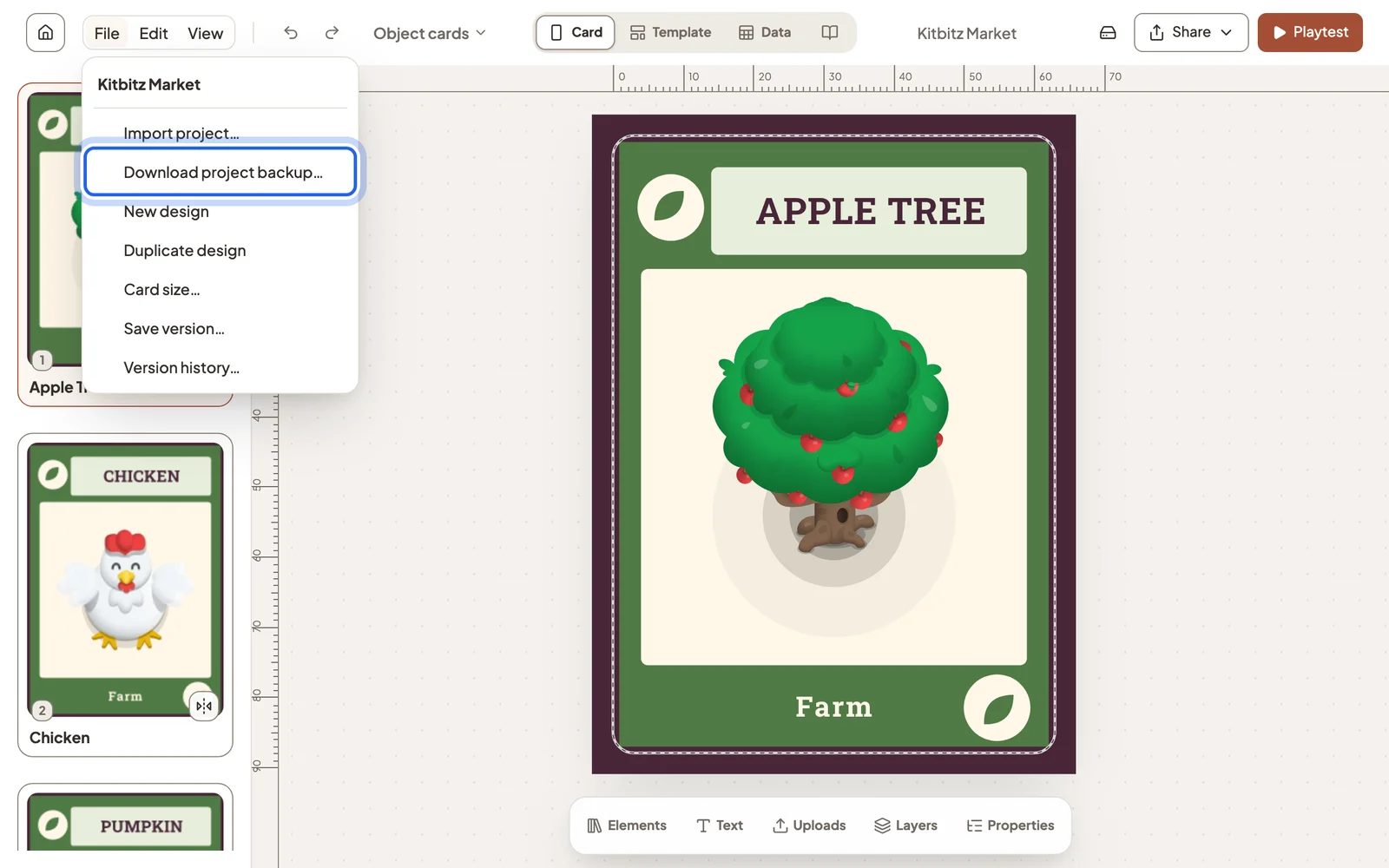
Sync to your account
Sign in, open the save status popover, and turn on Sync this project to open the project on your other devices. A free account syncs one project. See plans and limits.
A synced project can also keep named snapshots: File → Save version… stores one, and Version history… restores it.
Deleted a project?
Deleted projects move to the Bin and stay there until you restore them or remove them from the device.
Still stuck?
Email [email protected] and tell us what you are trying to do.