
Fill a deck from a table
Design the layout once in Template, then type or import every card's details in Data.
1. Design the layout once
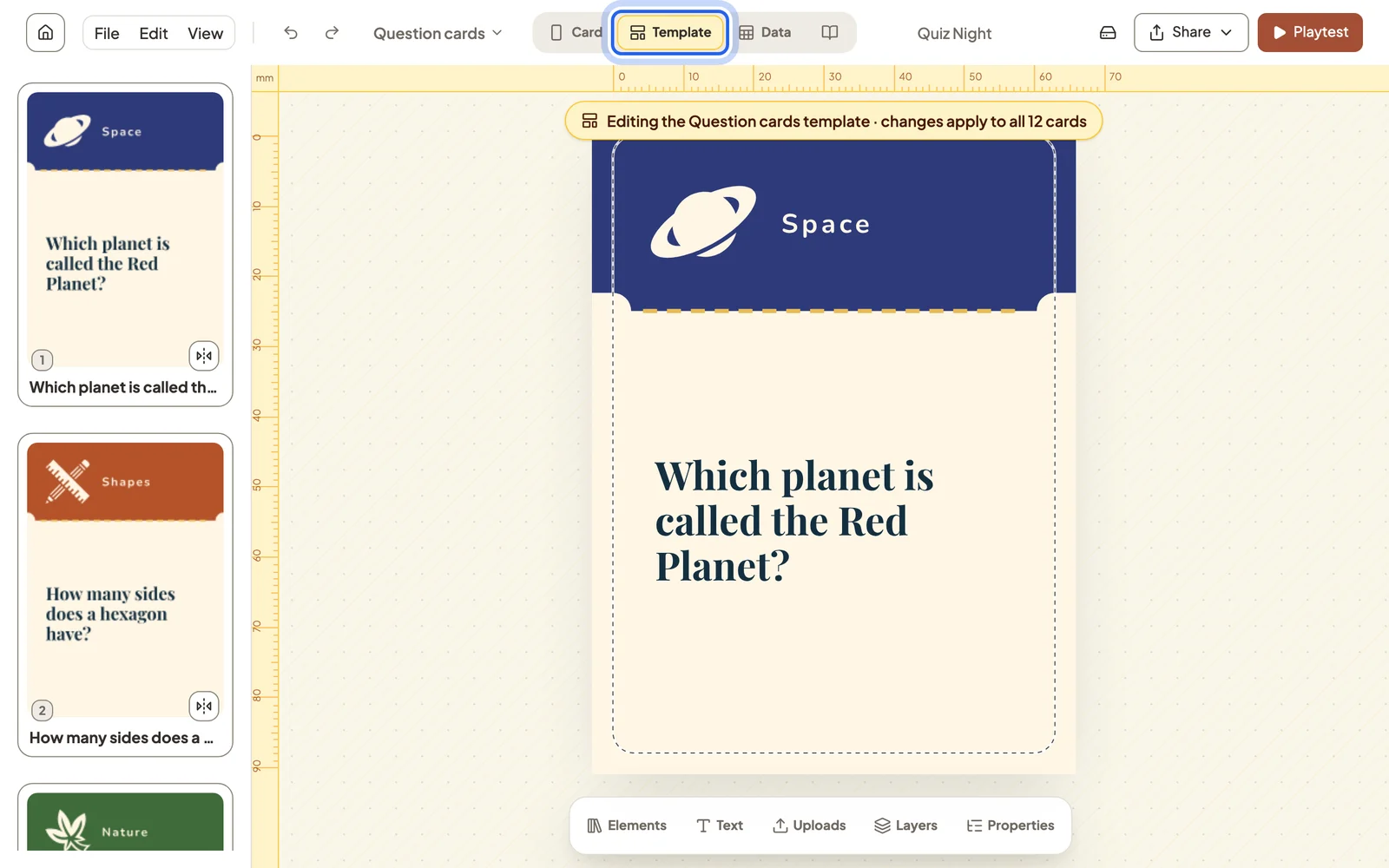
Switch to Template. Anything you move, restyle or add here applies to every card of this type, so a deck stays consistent however many cards it has.
2. Fill in the cards
Switch to Data. Each row is a card and each column is one of its details. Double-click a cell to edit it; the preview on the right shows the finished card.
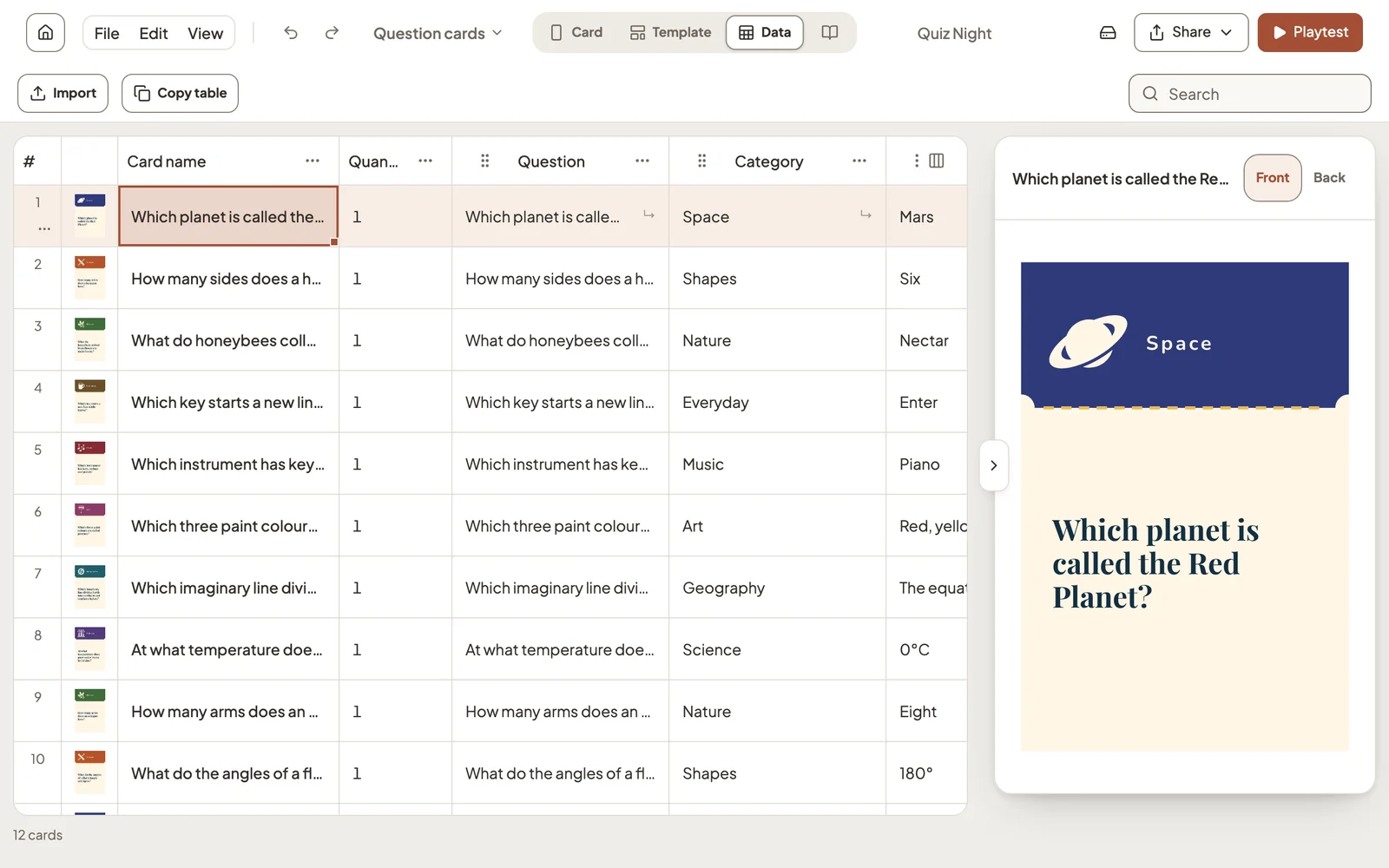
Quantity is how many copies of a card go into the game. Playtests and print exports both use it.
3. Bring in a spreadsheet
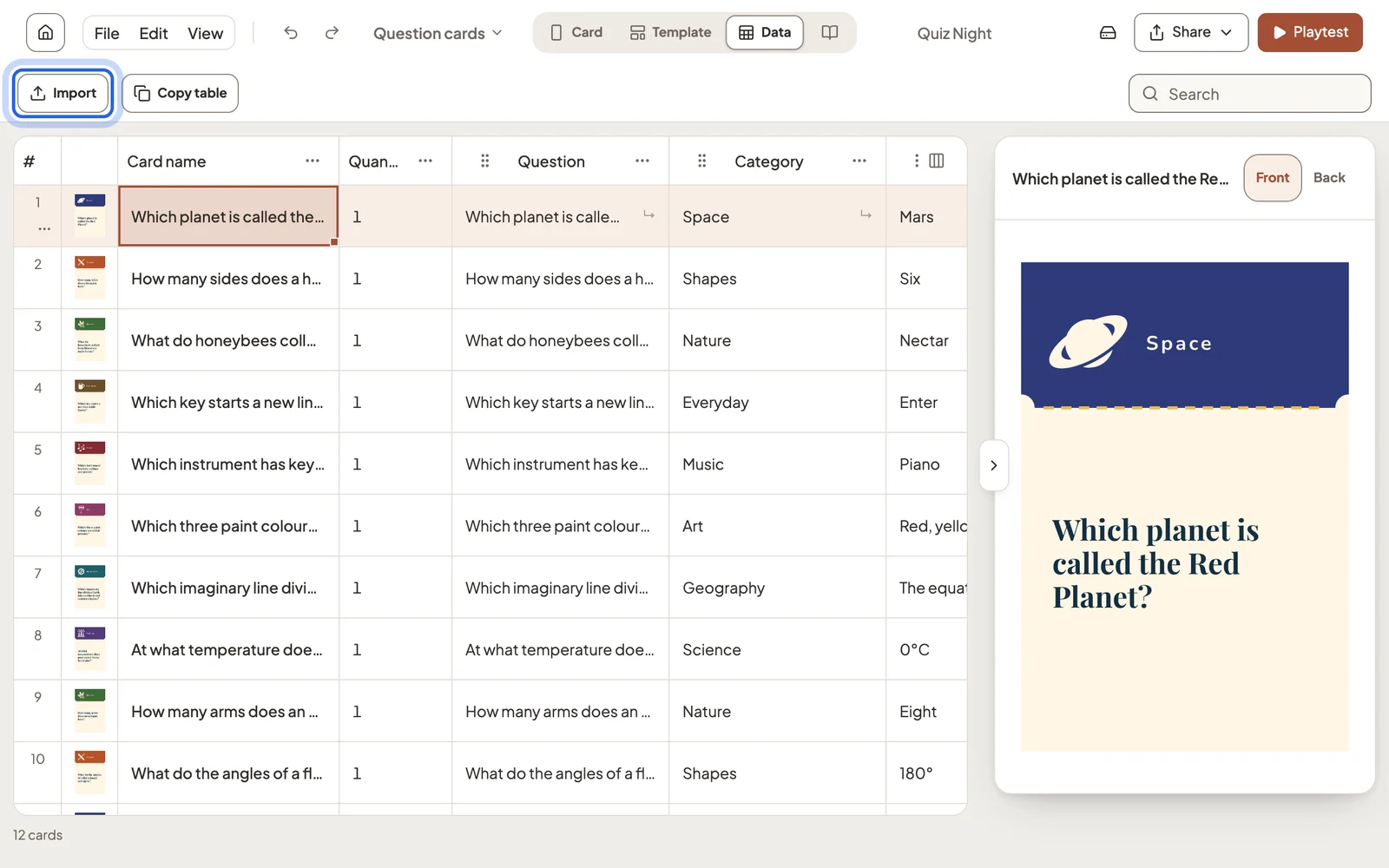
Already have your cards in a spreadsheet? Select Import, then paste the table or choose a CSV, TSV or Excel file.
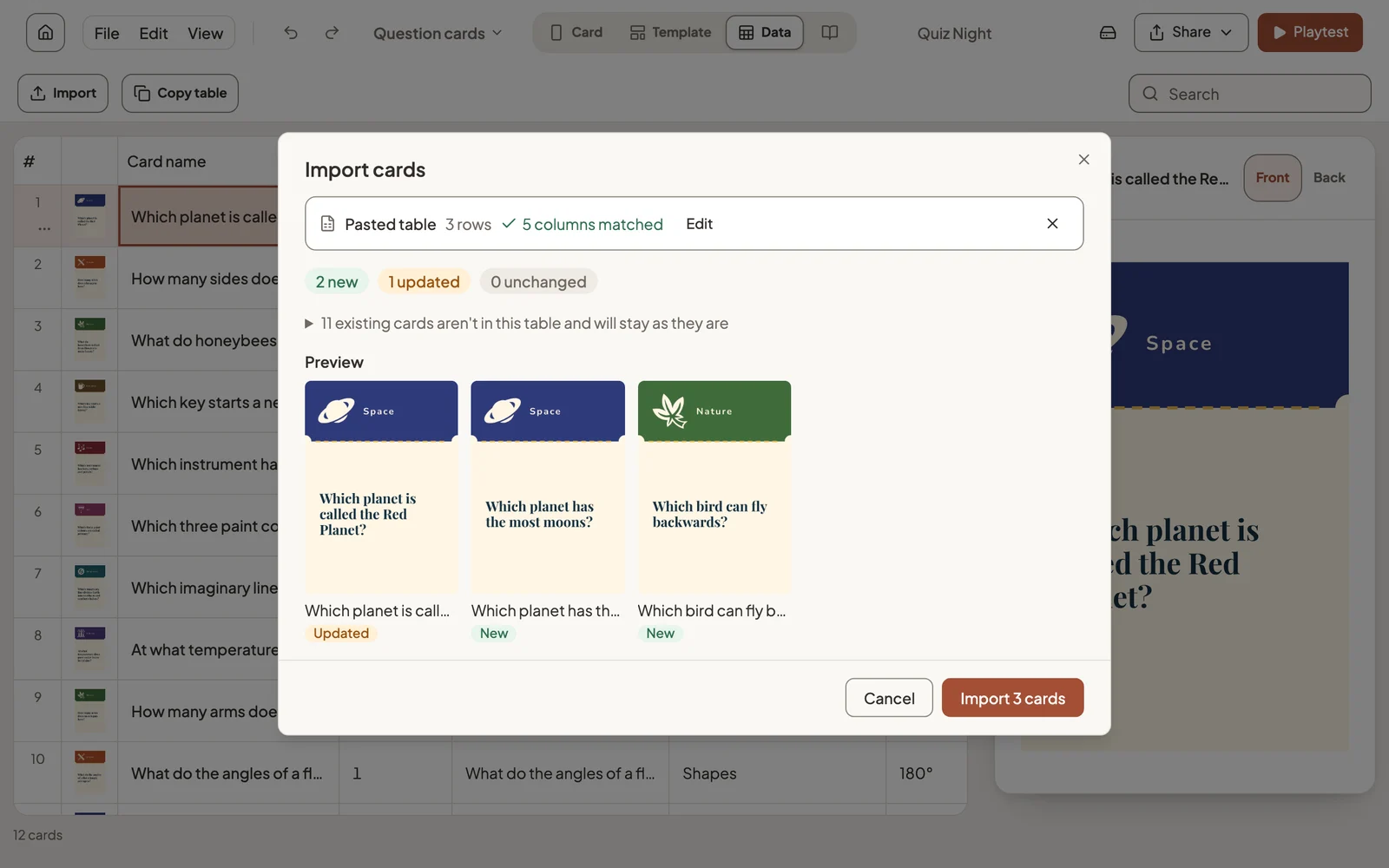
Studio shows how many cards are new and how many will be updated before anything changes. Cards that aren’t in your table stay as they are.
Copy table does the reverse, so you can edit in a spreadsheet and import the result.
Still stuck?
Email [email protected] and tell us what you are trying to do.