
Make your first card game
Pick a template, make it yours, play a hand and print it, all in one sitting.
1. Pick a template
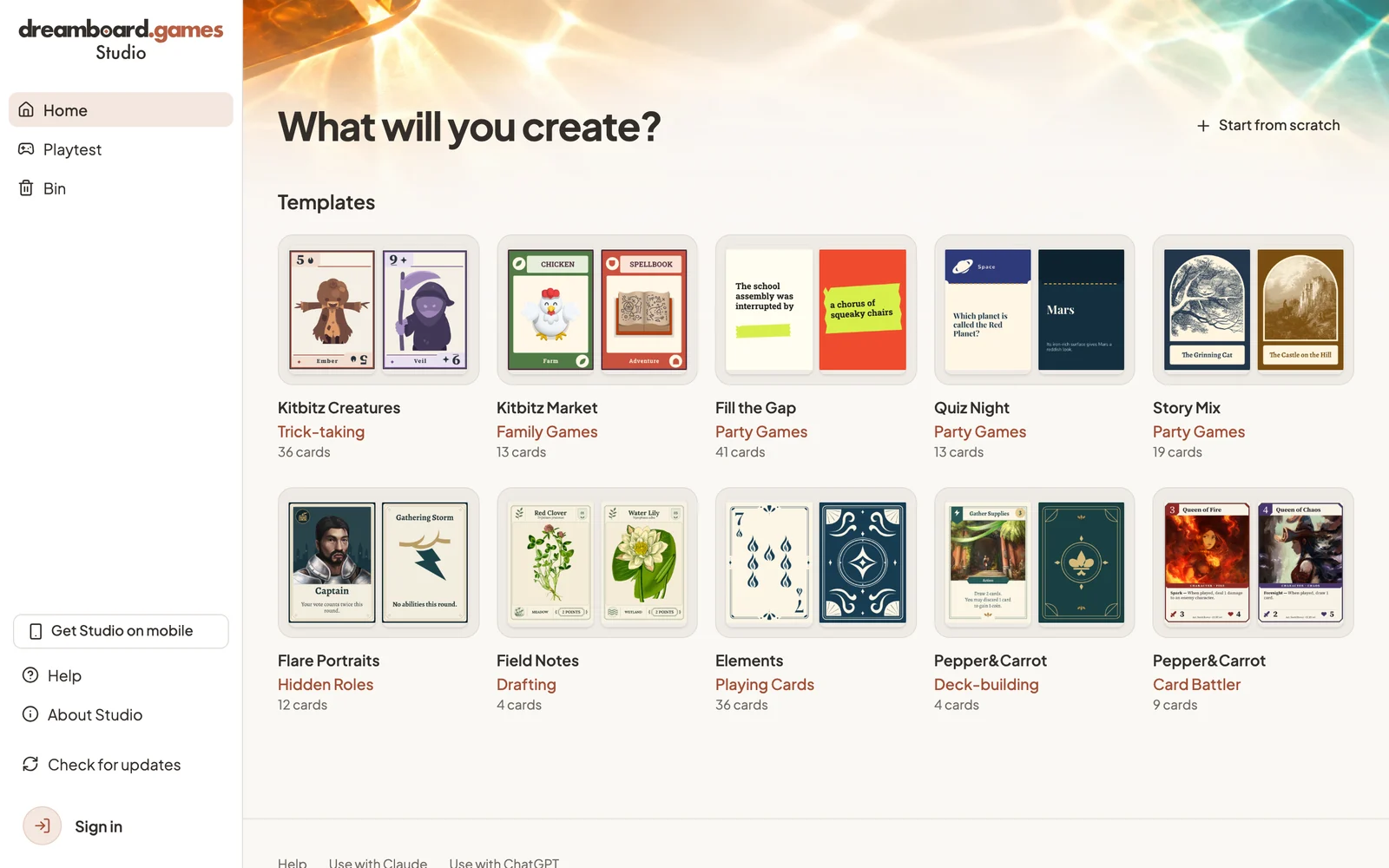
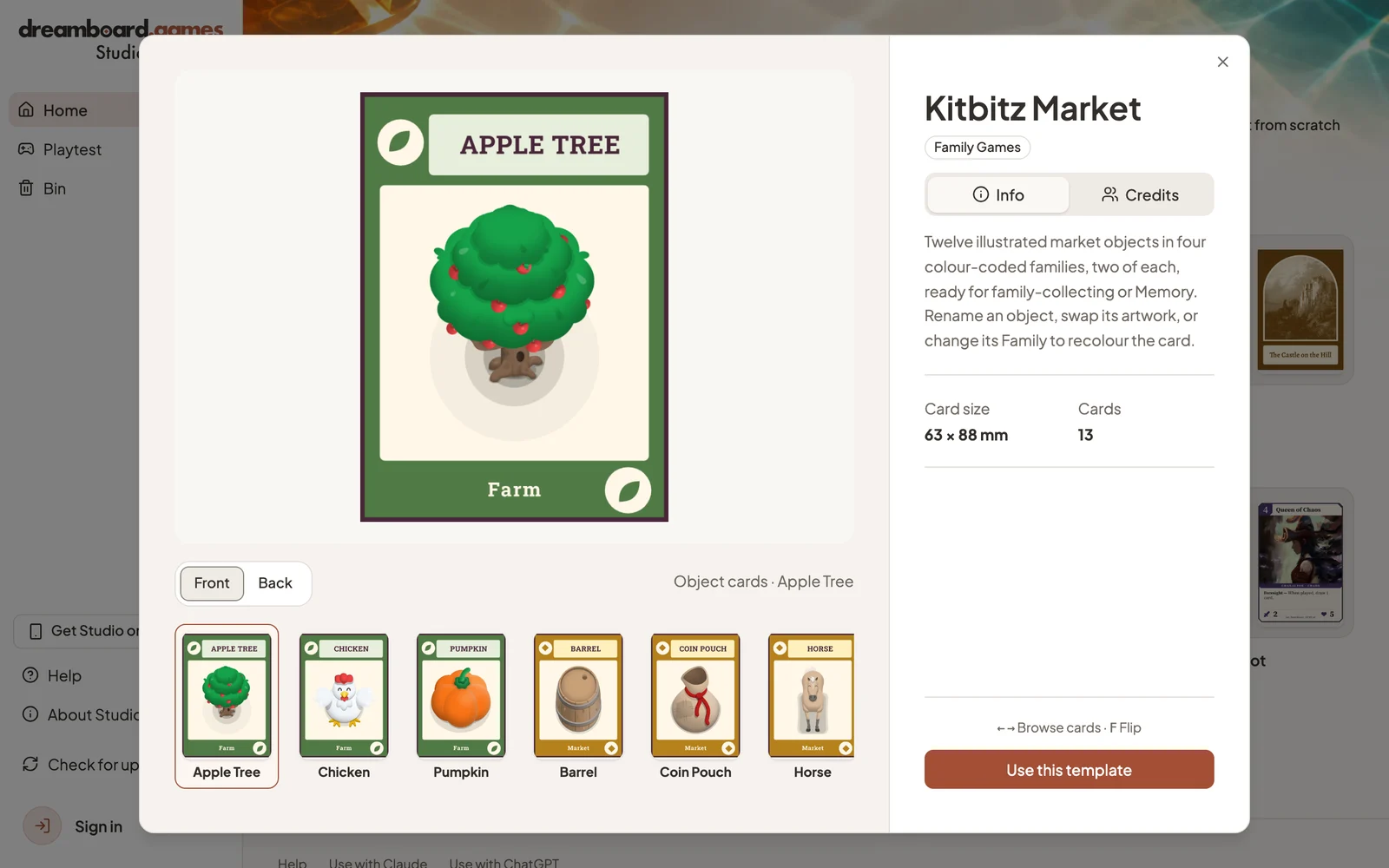
Open Studio and choose a template. Each one is a complete game: cards, a rulebook and a table to play on. Select Use this template to get your own copy.
2. Make it yours
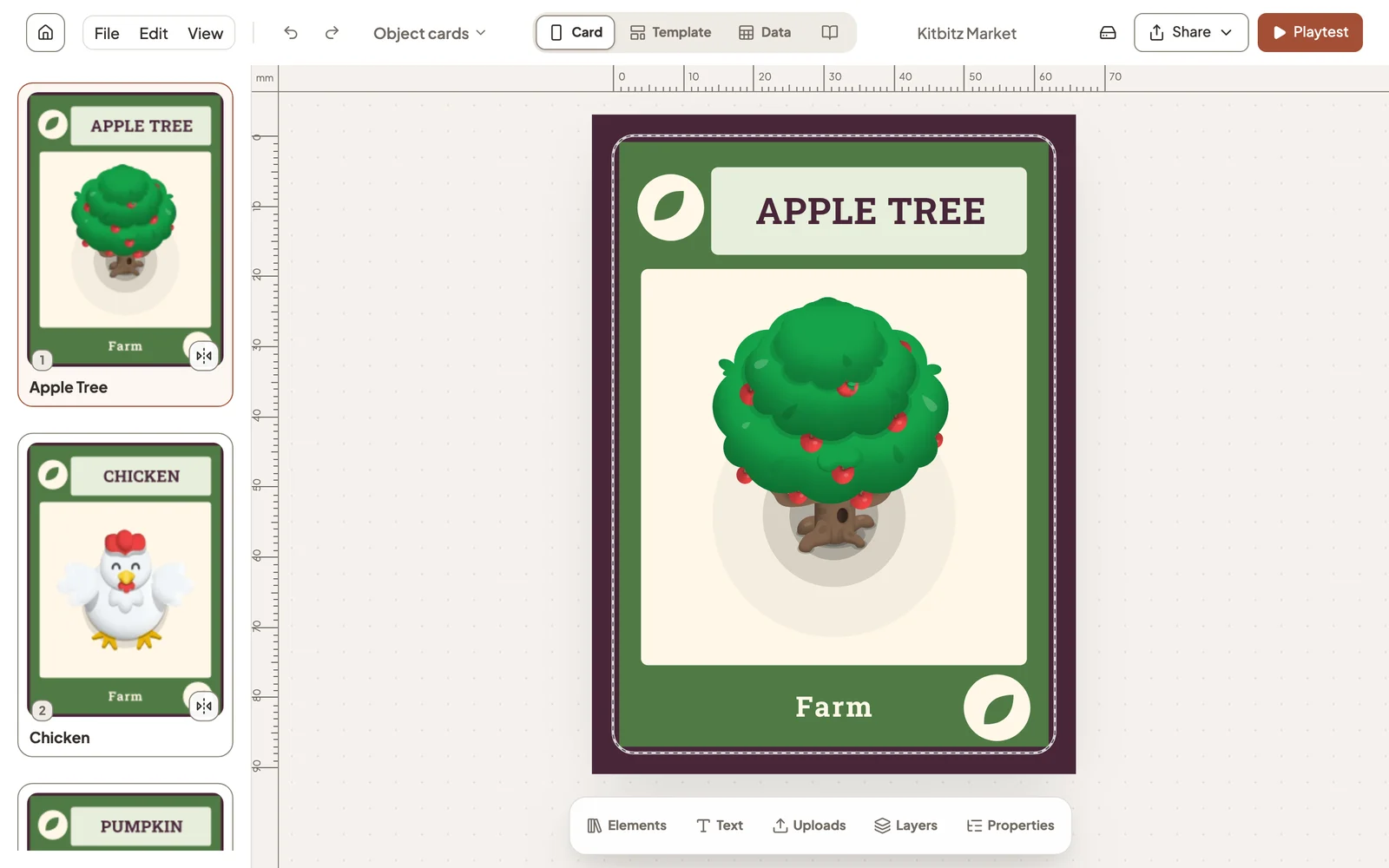
Your cards are listed on the left and the selected card fills the canvas. Double-click any text to rewrite it, or open Properties to change a card’s name, artwork and other details in one place.
More in Edit a card.
3. Play a hand
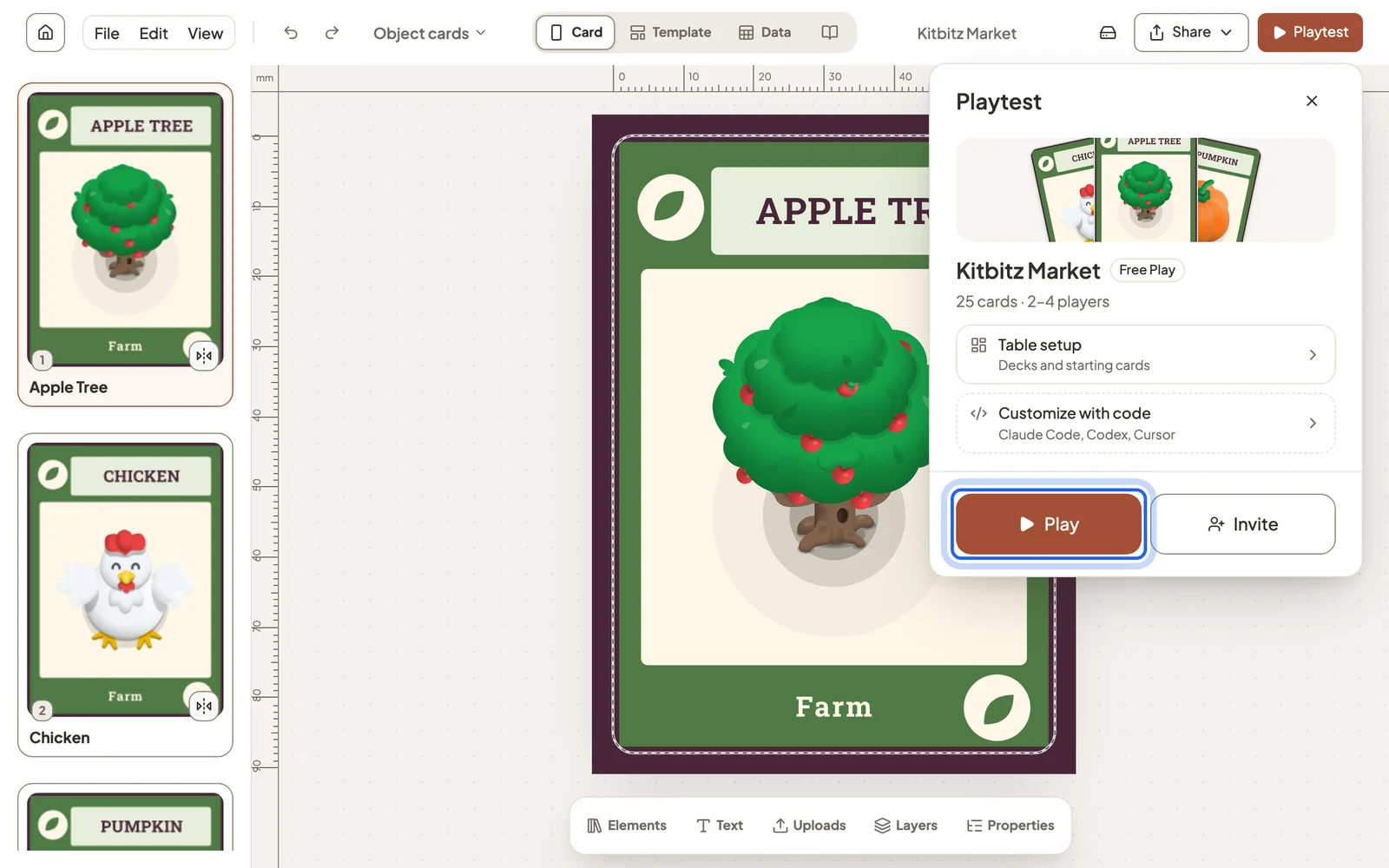
Select Playtest → Play, choose the player count, then select New game. You can play every seat yourself using your current cards.
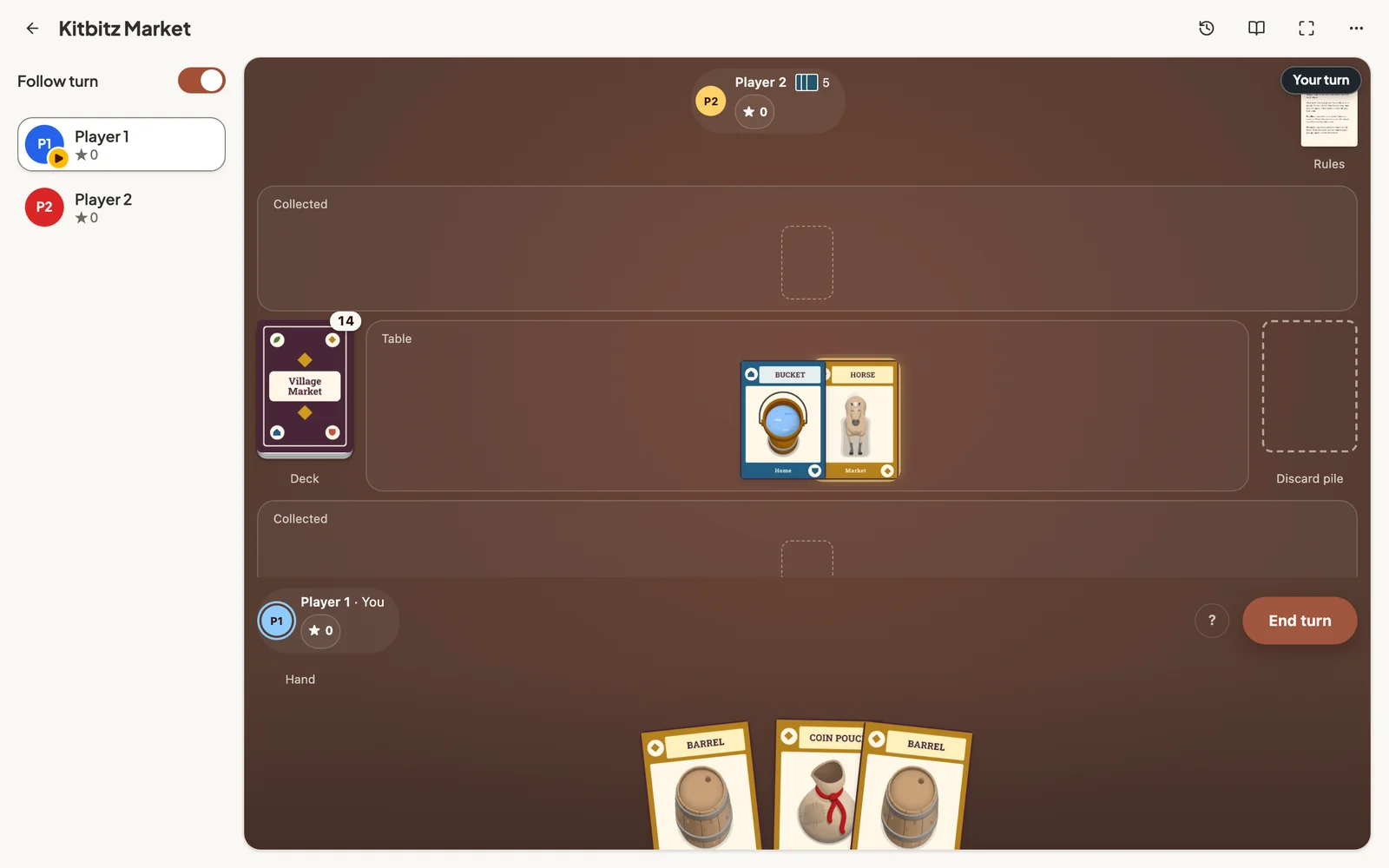
More in Playtest on your own device.
4. Print it
Back in the editor, open Share → Export cards and download a print-and-play PDF.
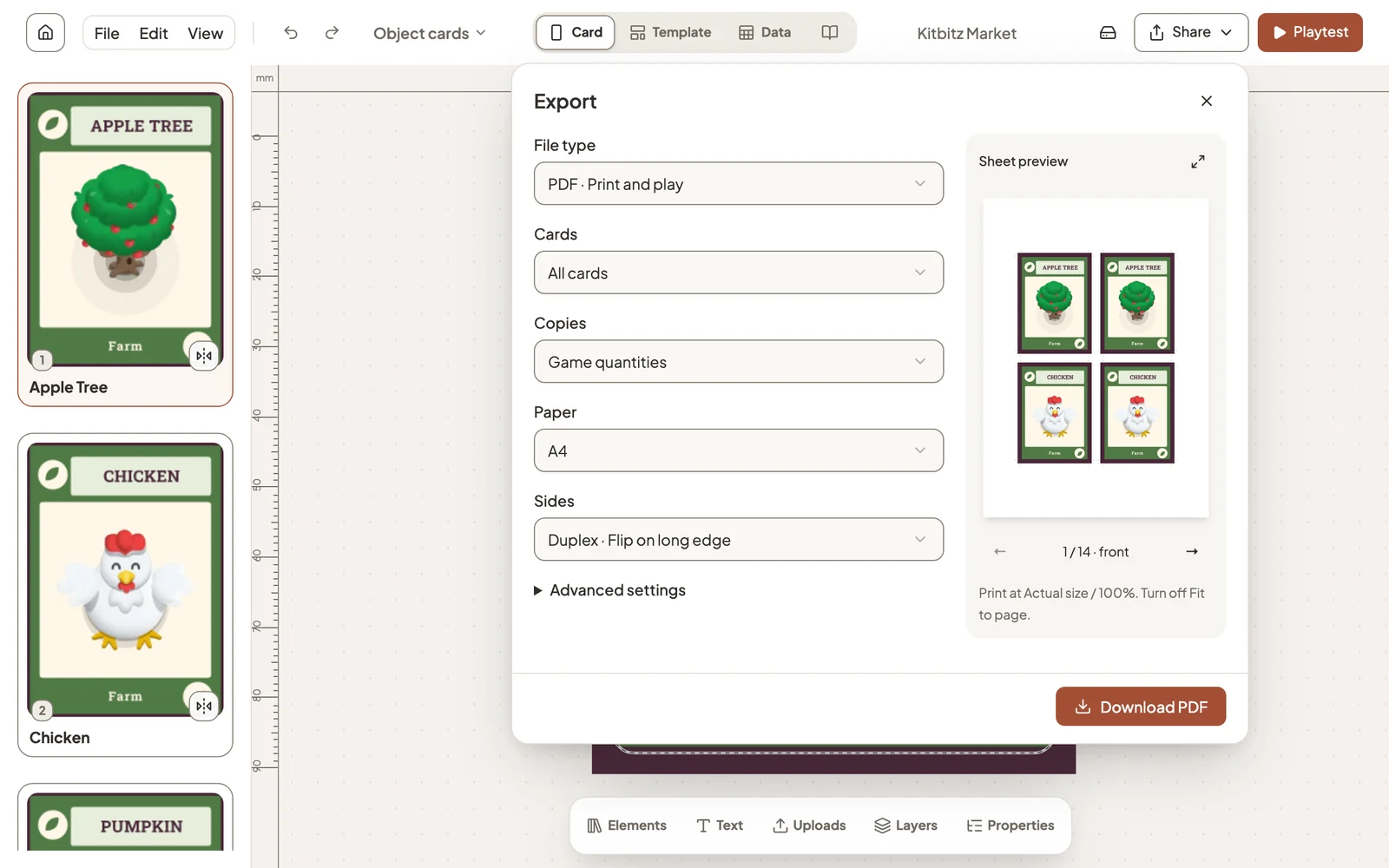
More in Print and export your cards.
Still stuck?
Email [email protected] and tell us what you are trying to do.